> Most notorious example would be Microsoft Office which afaik never has used native widgets, being always one step ahead of Windows UI design.
And yet when Office switched to the ribbons interface, all hell broke loose. The moral being, people hate having to learn a new UI. Consistency matters.
But that is almost completely orthogonal to the issue of nativity. That is demonstrated by the fact that Office wasn't using native widgets before ribbon either and people were happy, and as a counter-example Metro/ModernUI is arguably the native UI for Windows 8 and that hasn't stopped people from disliking it.
Exactly--people were happy with the old UI, which, non-standard or not, was in place for ~ a decade. They really resented having to learn something new. Now repeat that experience once for every new application you want to use. It can be extremely frustrating.
The point is that "UI nativity" means things like "checkmarks in checkboxes should appear in the same way across all applications". It's pretty easy to distinguish a checkmark in a checkbox no matter what platform you're on, and real users don't care if it matches the rest of the platform exactly or not.
"UI nativity" is basically a way for design snobs to feel like they're making a contribution by whining about something trivial and irrelevant. A normal person can still recognize the meaning and doesn't care if the checkbox is beveled differently from app to app, and anyone who discards an application on such minor inconsistencies is not doing serious work anyway, and should be disregarded.
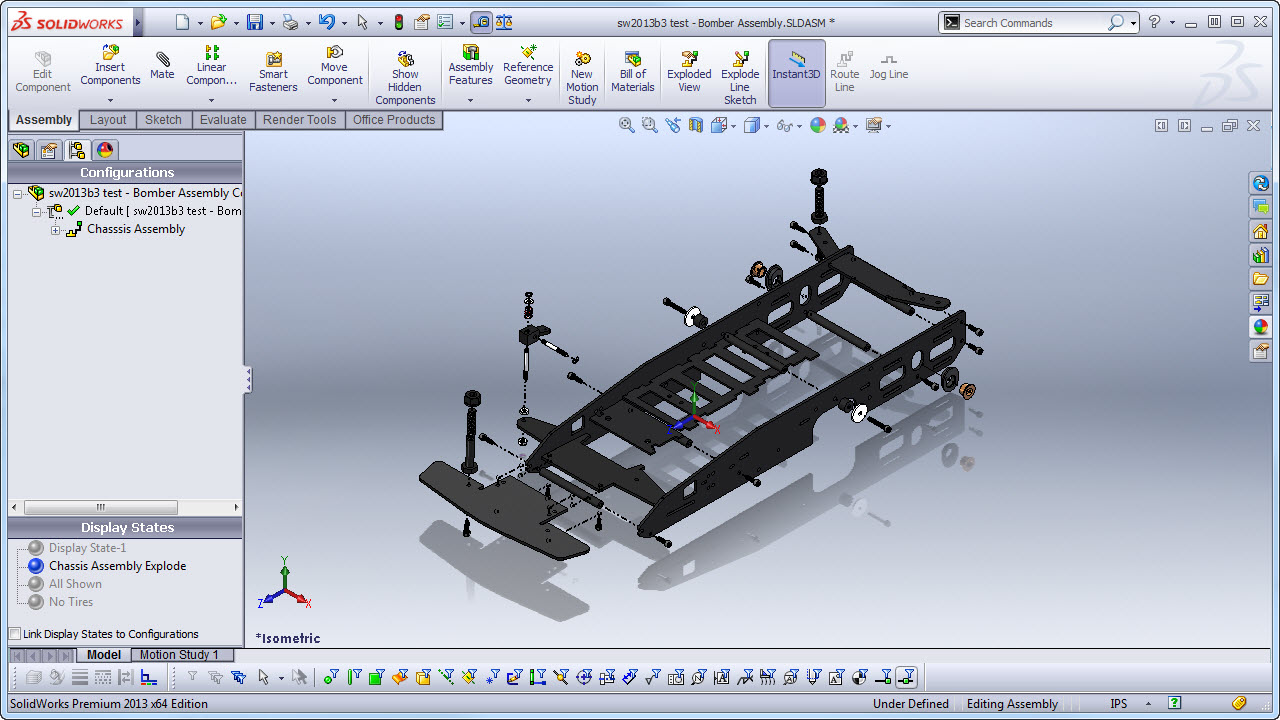
I've seen at least a bunch of non-MS apps that use the ribbon. Spoon Studio, a tool for containerizing Windows applications, is one that I used recently. There's more, but I can't come up with them.
I think it's a very powerful paradigm. Compared to LibreOffice's "toolbar overkill", it's surely a step forward. Making a large amount of operations in a simple way is always difficult, the ribbon seems a least-bad option compromise, that works quite well.


And yet when Office switched to the ribbons interface, all hell broke loose. The moral being, people hate having to learn a new UI. Consistency matters.